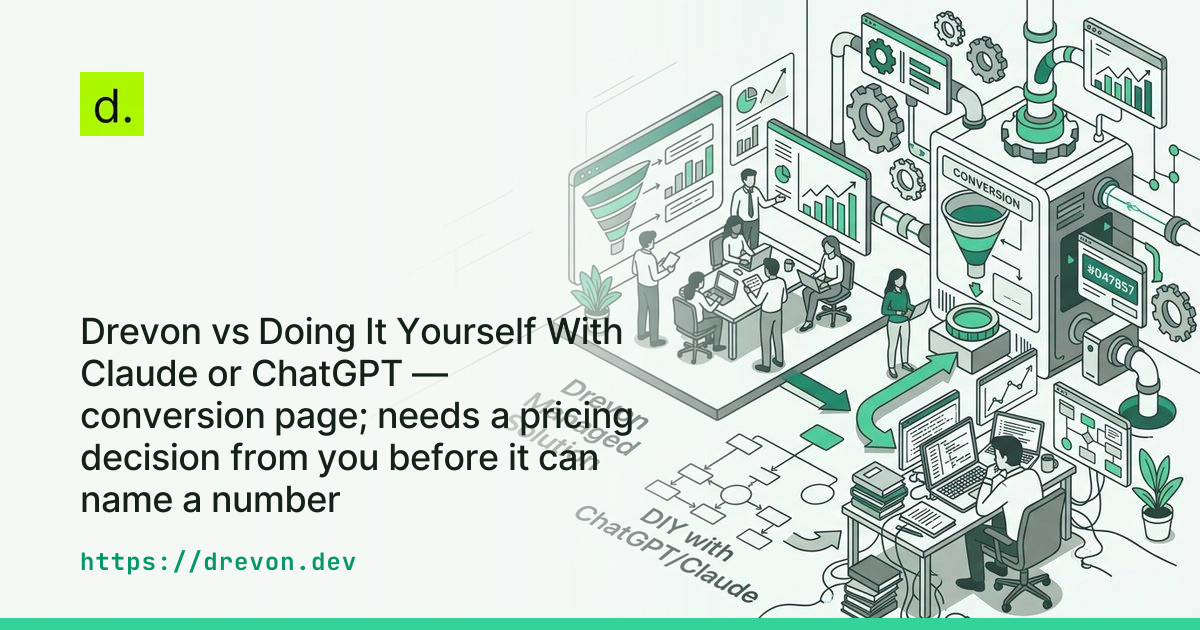
Drevon vs Doing It Yourself With Claude or ChatGPT — conversion page; needs a pricing decision from you before it can name a number
Drevon vs DIY Claude and ChatGPT for Prospecting
- Maintenance overhead: Engineering teams spend up to 80% of custom scraper lifecycle time updating broken DOM selectors and managing anti-bot bypasses.
- Source verification: Raw LLM web searches produce non-resolving URLs in 3% to 5.4% of queries, with citation attribution errors reaching up to 37%.
- Session authentication: Gated platforms like LinkedIn and Reddit require persistent local browser contexts, which cloud-hosted API scripts cannot maintain without residential proxy fees.
- Cost model: Running deep agentic research via direct APIs costs $0.30 to $0.80 per lead in context accumulation tokens, while Drevon drives your existing desktop AI subscription for free.
Writing custom Python scrapers or pasting account lists into ChatGPT web windows introduces recurring session failures, token inflation, and fabricated reference links. Drevon is an evidence-backed prospect research application for macOS that runs AI agents directly inside your local browser sessions, and you can download Drevon for Mac free of charge. By executing tasks locally, Drevon captures primary buying signals behind authenticated sessions without requiring custom proxy infrastructure or recurring data-vendor contracts.
The Mechanics of Prospecting Directly in Claude or ChatGPT
Direct prospecting inside general-purpose LLM interfaces requires manual prompting or custom API scripts that feed unstructured web text into models like GPT-4o or Claude 3.5 Sonnet. While conversational interfaces handle isolated text summaries well, running iterative prospect discovery across dozens of target accounts forces engineering teams to manage browser sessions, proxy rotation, and context window limits manually.
Growth teams typically attempt DIY prospect research through two workflows. The first approach relies on manual copy-pasting into consumer chat windows. A user submits a prompt asking Claude or ChatGPT to inspect a company homepage, find recent hiring announcements, or identify key executives. This workflow breaks quickly: consumer chat interfaces enforce strict hourly rate limits, truncate large inputs, and lack direct integration with structured databases or spreadsheet exports.
The second approach involves engineering custom scripts using LangChain, LlamaIndex, or raw API calls to drive headless browsers like Puppeteer or Playwright. While this allows programmatic scale, it exposes teams to the hidden economics of agentic context accumulation. In an iterative research loop, an agent fetches web pages, evaluates relevance, and decides subsequent navigation steps. According to research on scraping cost analysis, passing raw DOM snapshots into multi-turn LLM contexts consumes between 50,000 and 200,000 tokens per research task. A single 3,000-token web page read on step five of a 30-step agent loop gets re-transmitted across all subsequent turns, generating more than 100,000 redundant input tokens for a single target account.
Furthermore, cloud-based API scripts cannot easily access member-only pages on platforms like LinkedIn, Sales Navigator, or private subreddits. When a headless script attempts to scrape these targets from cloud servers, edge firewalls trigger CAPTCHA challenges or IP rate limits. This forces developers into managing complex authentication states or accepting shallow, unauthenticated search snippets that miss concrete buying signals.
Where the DIY AI Stack Breaks Down in Production
Custom DIY prospecting pipelines break down in production due to persistent maintenance requirements, anti-bot defenses, and hallucinated reference URLs. Engineering data reveals that in-house scraping scripts targeting identity-gated platforms suffer failure rates between 55% and 75%, requiring recurring developer intervention to remain functional.
Industry research from Tendem AI on DIY scraping costs indicates that teams spend up to 80% of total engineering time maintaining scrapers rather than writing new business logic. Developers must continuously debug DOM shifts, patch outdated CSS selectors, and update HTTP header configurations. Broader research on engineering productivity from Technical Debt Cost benchmarks and the Sonar developer survey on maintenance time shows that software engineers already spend 30% to 42% of their working hours maintaining legacy code. Adding fragile scraping scripts compounds this technical debt.
Anti-bot defenses on primary research targets present another obstacle. According to benchmarks published by ScrapingAPI on web scraping success rates, scrapers targeting protected social networks and recruitment portals achieve success rates of only 25% to 45%. As documented in practical analyses of scraping protected identity networks, platforms like LinkedIn analyze canvas rendering, TLS fingerprints, and mouse telemetry. Unauthenticated scraping attempts hit hard limits after roughly 50 profile views, while Reddit deprecated unauthenticated JSON endpoints in May 2026, routing traffic through Cloudflare Turnstile barriers.
To bypass these blocks, DIY builders must purchase rotating residential proxies. Pricing data compiled by ScrapeBadger on web scraping infrastructure shows that Tier-1 residential proxies cost between $4.00 and $8.40 per gigabyte on pay-as-you-go tiers, while dedicated mobile proxies cost $60 to $100 per IP monthly. When adding cloud compute, CAPTCHA solvers, and developer labor, running a modest in-house pipeline resolving 50,000 pages monthly costs between $335 and $1,325 per month.
The final operational barrier is citation drift. Empirical findings published on reference hallucinations in commercial LLMs (arXiv:2604.03173) show that search-augmented models exhibit non-resolving URL rates of 3.0% for Claude 3.5 Sonnet and 5.4% for GPT-4 series models. More critically, up to 37% of generated citations exhibit ghost reference errors, where the domain resolves but the quoted buying signal or executive quote does not exist on the target page. For a GTM team, acting on hallucinated claims damages outbound credibility.
How Drevon Executes in Your Browser Session
Drevon executes prospect research locally inside your authenticated macOS desktop environment, reading live pages through your active browser profile. By operating locally rather than routing requests through third-party cloud servers, Drevon eliminates the need for rotating proxies, anti-bot bypass workarounds, and synthetic token markups.
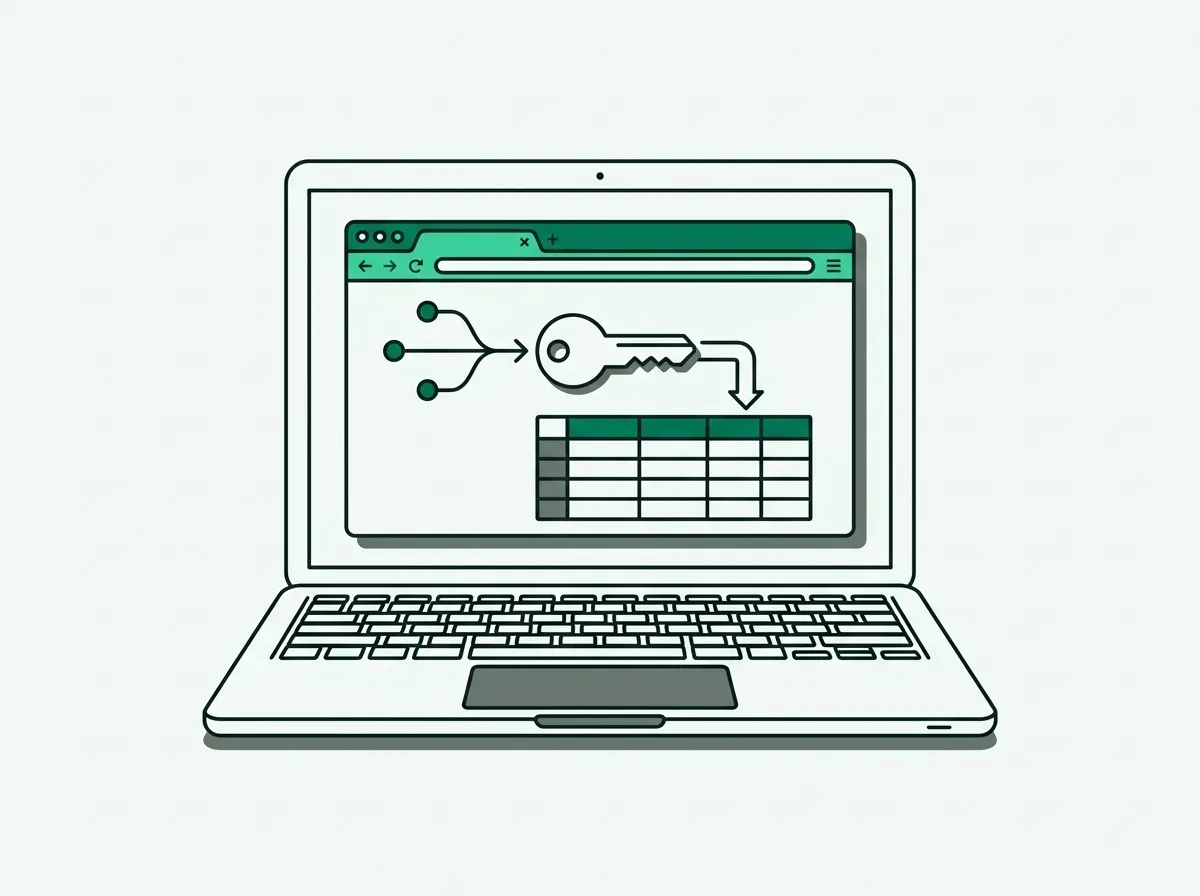
When you initiate a prompt in Drevon, the application uses local Chromium persistent contexts (`userDataDir`). This mechanism stores session cookies, local storage, and authentication tokens directly in your local filesystem. Because the agent navigates pages using your existing logins for LinkedIn, Sales Navigator, Reddit, and industry communities, it encounters no login walls or bot flags. The agent renders pages with full hardware acceleration, preserving authentic browser fingerprints.
Drevon integrates directly with the AI subscriptions you already maintain, such as Claude Code, OpenAI Codex, or GitHub Copilot. Instead of charging a per-lead credit fee or marking up raw API tokens, Drevon operates as a free desktop application. Our guide on why Drevon runs on your desktop instead of the cloud details the security benefits of keeping prospect data on your local device.
Every lead identified by Drevon includes an immutable source URL pointing to the exact post, hiring listing, or discussion thread where the signal was detected. This mechanical verification enforces strict groundedness. You can read more about this standard in our breakdown of evidence-based prospecting requirements and see how it contrasts with static database decay in our review of why B2B data decays over 30% annually. Results are written directly to local CSV files or SQLite databases on your machine.
Comparison: DIY Custom Scripts vs Drevon Desktop App
The following table outlines the operational, architectural, and financial differences between building an in-house DIY scraping pipeline with raw LLM APIs and running the Drevon desktop application on macOS.
| Dimension | Drevon Desktop App | DIY Custom Scripts (Playwright + APIs) | Consumer Chat UI (ChatGPT / Claude Web) |
|---|---|---|---|
| Software Cost | Free (macOS app) | $150–$400+/mo in API tokens & proxies | $20/mo per user subscription |
| Setup Time | Under 2 minutes (download and run) | 20–40 hours initial engineering | Zero setup required |
| Monthly Maintenance | Zero engineering overhead | 4–20 hours per target domain | Manual copy-pasting per query |
| Session Handling | Native browser profile with user logins | Requires cookie extraction & session scripts | No access to external gated sites |
| Anti-Bot Resilience | Native human fingerprint on local OS | Frequent IP blocks (55%–75% failure rates) | Limited to public search index cache |
| Citation Accuracy | 100% verified primary source URLs | Vulnerable to context drift and ghost links | 3%–5.4% broken links; 37% claim drift |
| Output Format | Structured CSV and local SQLite tables | Requires custom JSON parsing scripts | Unstructured conversational markdown |
Building a custom API pipeline remains practical if you need to process internal proprietary data warehouses or train specialized internal models. However, when the goal is discovering live buying signals across the open web and authenticated communities, writing custom scraping infrastructure creates unnecessary maintenance costs. For teams exploring modern GTM infrastructure, our analysis of what a GTM engineer does in a code-first revenue team outlines how dedicated automation replaces brittle custom scripts.
Similarly, teams relying on traditional enrichment databases often encounter credit-based restrictions that penalize deep research. We examine these trade-offs in our articles on how credit-based pricing models penalize discovery, waterfall enrichment vs browser intelligence, and Clay vs Drevon for intent discovery. By utilizing local execution, Drevon avoids third-party data markups entirely.
For finding niche discussions and active buyer requests, local browser agents capture live context that static aggregators miss. You can explore how this functions in our guide on finding B2B buying signals on Reddit, as well as our review of nine buying signals you cannot get from a contact database. Consolidating these workflows into a single interface simplifies your growth operations, as explained in the job-based GTM stack framework and our overview on why we built a browser-based agent instead of an API wrapper.
Frequently Asked Questions
Why use Drevon instead of just prompting Claude directly in the web browser?
Prompting Claude directly in a web browser requires manual copy-pasting for each prospect and cannot access pages behind your authenticated logins on platforms like LinkedIn or Reddit. Consumer chat interfaces also lack automated pagination, structured CSV export formatting, and verification checks that prevent hallucinated source URLs.
Does Drevon require an OpenAI or Anthropic API key, or does it use existing desktop logins?
Drevon drives your existing AI subscriptions such as Claude Code, OpenAI Codex, or GitHub Copilot directly through your desktop environment. You do not need to purchase separate API credits or manage metered developer billing to conduct deep prospect research.
How does local browser automation compare to cloud-based enrichment tools like Clay or Apollo?
Cloud enrichment tools rely on centralized databases and charge per-record or per-credit fees for each enriched field. Drevon runs locally inside your browser, gathering real-time data from primary web pages using your active logins. This approach eliminates per-record credit charges and guarantees that every buying signal is backed by a live source URL.
What operating systems and AI subscriptions are currently supported?
Drevon runs on macOS 11 and newer, supporting both Apple Silicon and Intel hardware architectures. It is designed to work with primary desktop AI environments including Claude Code, OpenAI Codex, GitHub Copilot, Google Gemini, and Antigravity.
If you want to run evidence-backed prospect research without maintaining custom scrapers or purchasing residential proxy pools, download Drevon for macOS to start discovering verified accounts directly in your browser.