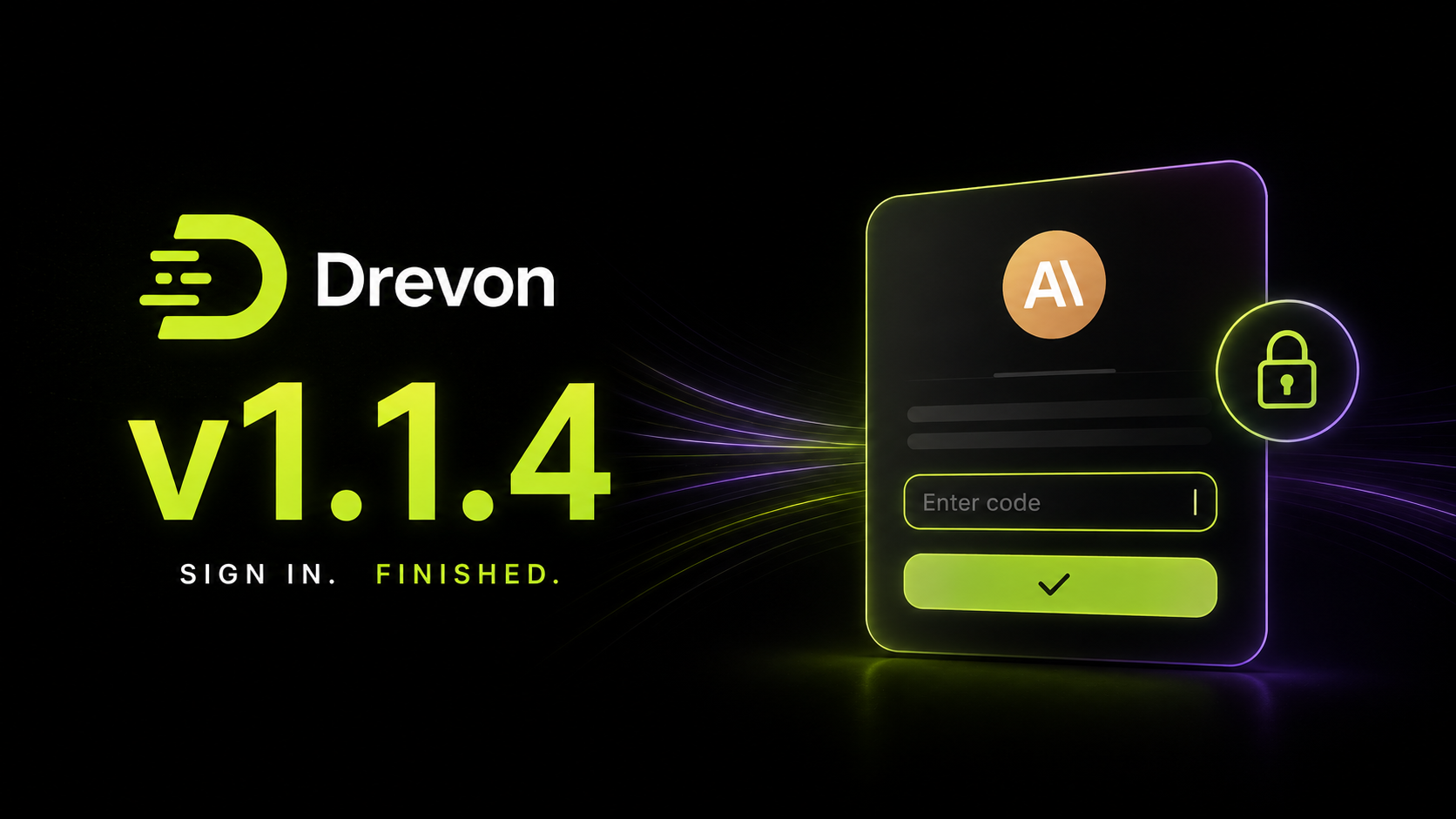
Drevon 1.1.4: signing in with Anthropic no longer gets stuck
Drevon 1.1.4 fixes one thing, and it is the thing that stopped some people from finishing setup at all.
Sign-in finishes inside Drevon now
Signing in with Anthropic sends you to your browser. Most of the time the browser hands you straight back to Drevon and you are done. Sometimes it does not. Instead it shows you a code and asks you to paste it back.
Drevon had nowhere to paste it. The sign-in sat on a spinner for five minutes and then gave up, and the only way through was to quit, open a terminal, and run the command by hand. On some machines the browser never hands back automatically, so that was every attempt, every time.
There is now a field for the code on the sign-in screen. It appears as soon as your browser opens. If the browser hands you back on its own, ignore it and nothing changes. If you get a code instead, paste it and you are signed in.
It works with the whole address bar URL too, not just the bare code, because that is what people copy when a page gives them both.
It is on every sign-in screen
The same field is there wherever signing in can start: during setup, on the token card in Settings, and on the prompt that appears mid conversation when an agent turns out to be signed out. Previously these could all reach the same dead end.
If a code gets refused, and a truncated copy and paste is the usual reason, you get told why and the field stays open so you can correct it. No restarting, no going back to the beginning.
Your code stays private
The code your browser shows you is a credential. Drevon now strips it out of everything it keeps: the progress log on the sign-in screen, the log file on your Mac, and the diagnostics sent when something fails.
One smaller thing
The screen after a successful sign-in now just says you are authenticated, instead of interrupting with a notice about your terminal.