Drevon 1.4.0 — Give Your Agents API Keys
Drevon 1.4.0 — Give Your Agents API Keys
Released September 12, 2026
Your agents could browse, write files and call connectors. What they could not do is call anything you pay for. Want an image generated? A voiceover? A video? The only way was to paste your API key straight into the chat — where it stayed, in the transcript, in the progress file, and in the logs you attach to a bug report.
That was the last thing standing between "research this" and "research this and make me the assets."
Secrets
There is a new Secrets section in the composer's + menu, sitting right under Connectors, and an Add Secrets option under Add a Skill.
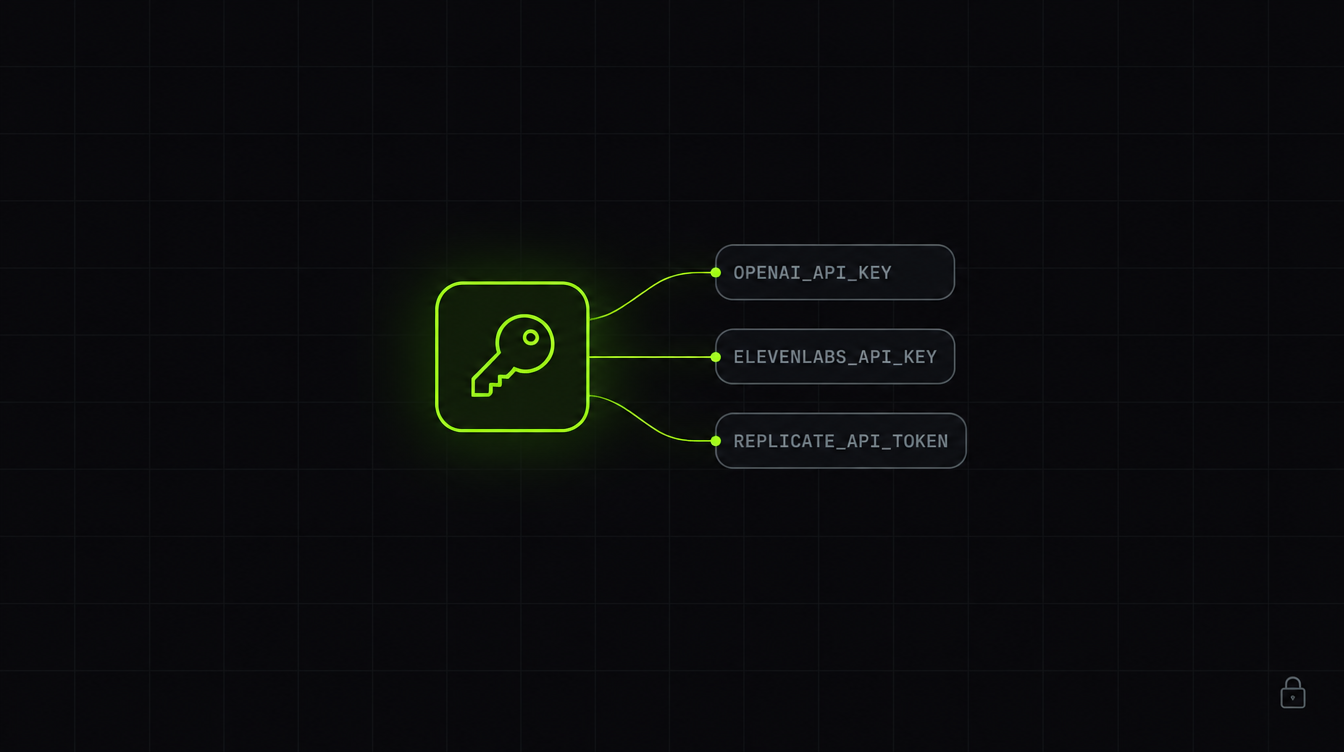
Store a variable once — OPENAI_API_KEY, ELEVENLABS_API_KEY, REPLICATE_API_TOKEN, or anything your own tools read. Then switch it on for the agents that should have it, the same way you switch on a connector.
That per-agent switch matters more than it looks. A research agent has no business holding a key that can spend money on your behalf. Give each agent only what its job needs.
What your agents can do now
An agent that holds OPENAI_API_KEY can generate images. One with ELEVENLABS_API_KEY can produce speech. One with REPLICATE_API_TOKEN can make video.
The part that makes this actually work: every session now starts with a short list of the keys that agent holds and what each one buys. Not just the variable name — the capability. So when you ask for an image, the agent already knows it can make one, instead of telling you it cannot.
Ask for a competitor teardown with a cover image, and you get both.
Adding a key
The Add Secrets modal opens with a grid of common providers — OpenAI, ElevenLabs, Replicate, fal.ai, Stability, Deepgram, AssemblyAI, Resend, Twilio, Stripe, Perplexity, Tavily, Firecrawl, Exa.
Pick one and it fills in the exact variable name that provider's SDK reads. This is the part that is easy to get wrong and fails quietly when you do — OPENAI_KEY is not OPENAI_API_KEY, and nothing tells you, the calls just never authenticate.
Need something that is not on the list? Other takes any variable name you want. You can add several in one go.
Where your keys actually live
In your Mac's keychain, encrypted. Not in a .env file, not in Drevon's settings, not on our servers. We never see them.
Values are passed to an agent as environment variables when its session starts, and that is the only place they exist outside the keychain.
If an agent ever prints one — an echo, a verbose curl, a stack trace that dumps its config — it is replaced with [redacted:OPENAI_API_KEY] before it reaches your transcript or your logs.
One limit worth knowing. That scrub covers what an agent prints, not what it writes. If an agent puts a key inside a file it produces, that file keeps it. Give a deliverable a look before you publish it.
Two keys Drevon will not take
ANTHROPIC_API_KEY and GEMINI_API_KEY are refused, on purpose.
Drevon launches those CLIs itself, and both of them prefer an environment key over the subscription you are already signed in to. Storing one would quietly move that agent off your plan and onto metered API billing — and you would find out on the invoice. So Drevon declines and tells you why, rather than accepting it and letting it bite later.
Also in this release
The Code Development purpose has been removed from agent creation. The remaining presets are Lead Generation & Research, Data Analysis & Scraping, General Purpose, and Custom. Agents you already made from that preset are untouched — they keep their instructions and open as Custom.
Get the update
Drevon updates automatically in the background. Relaunch the app and you will be on 1.4.0. Or download it directly at drevon.dev/download.